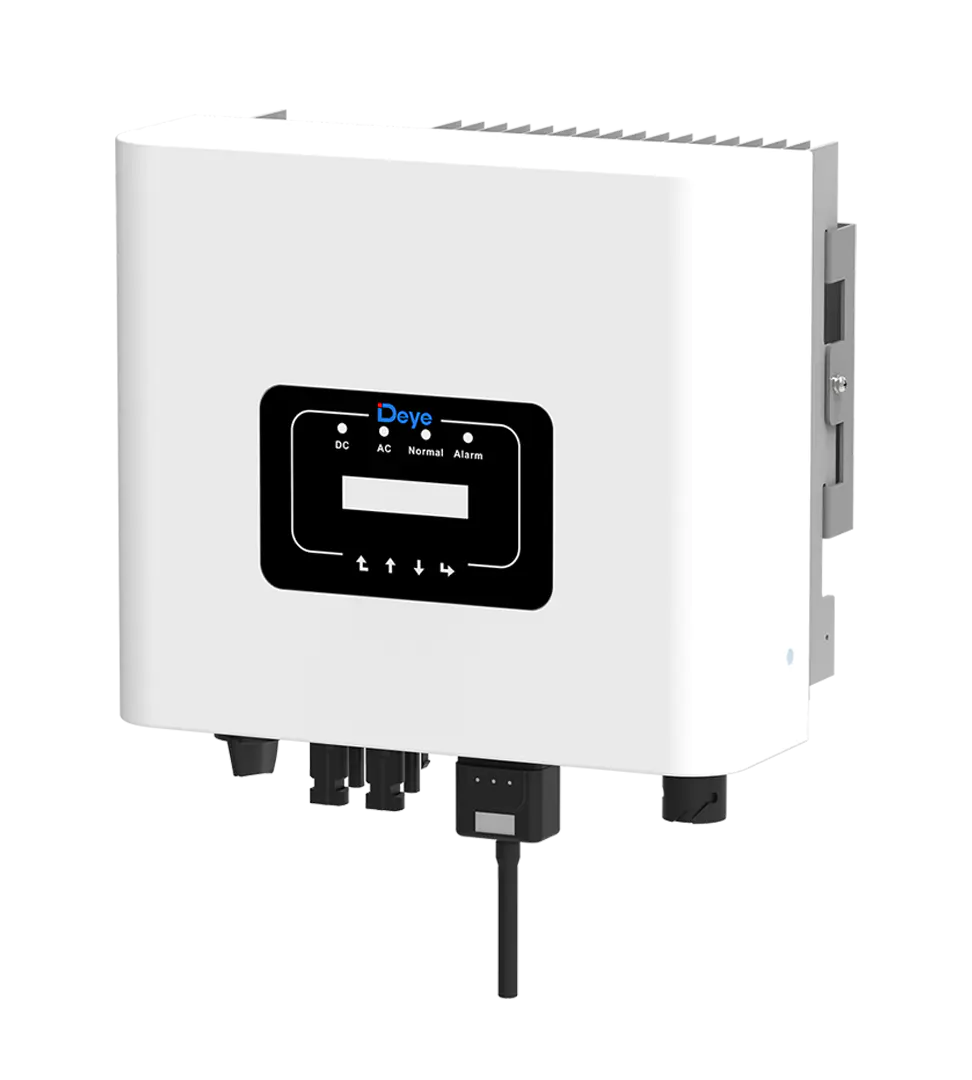
Deye Inverter Wi-Fi Reconnect
Deye Inverter WiFi Reconnect
Steps to Reconnect Wi-Fi
- Check the Frequency: Ensure your router has 2.4 GHz enabled. Deye Wi-Fi dongles do not support 5 GHz networks.
- Open the App: Open your Deye Cloud or SOLARMAN Smart app on your phone.
- Navigate to Logger: Go to your Plant page, select Device, and tap on Logger.
- Access Settings: Tap the three dots in the top right corner or select Wi-Fi Configuration / Device Networking.
- Enter Credentials: Scan the QR code on your stick logger or enter the Serial Number (SN) manually, then type in your current 2.4 GHz Wi-Fi password.
- Connect to Hotspot: When prompted, connect your phone directly to the logger’s broadcasted Wi-Fi hotspot (usually named AP_[Serial Number]) using the password printed on the logger sticker.
- Finalise: Return to the app to complete the configuration. Wait up to 10 minutes for the system to verify and show online status