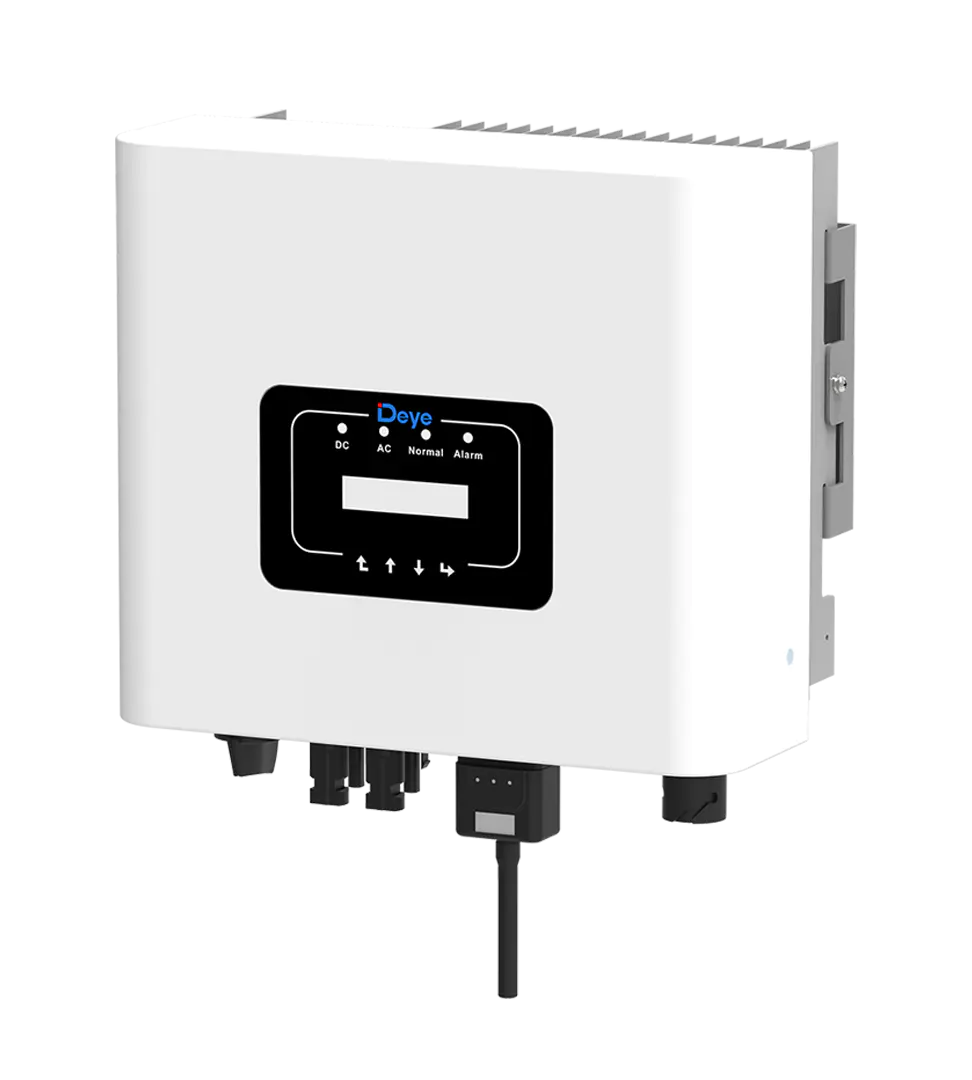
Deye Inverter Shutdown & Restart
Safe Shutdown Procedure
- Turn off the AC grid and load breakers at your main distribution board.
- Turn off the PV solar DC switch located on the side of the inverter.
- Turn off the battery breaker or isolator switch connected to the inverter.
- Turn off the battery power button/BMU and wait for the display screen to go completely dark.
Safe Restart Procedure
To power the system back on, reverse the shutdown sequence to prevent sudden electrical surges:
- Turn on the individual battery modules and the main battery breaker.
- Turn on the inverter’s PV DC switch.
- Turn on the inverter power button and wait up to a minute for the green indicator lights to signal normal operation.
- Turn on the AC grid and load circuit breakers in your main distribution board.
Understanding Shutdown and Restart Settings
In the Deye battery menu, specific percentage thresholds control automatic power behaviour:
- Shutdown: The battery charge percentage (e.g., 10%) where the inverter stops AC/DC output to protect the battery from deep discharge.
- Low Battery (Low B): The warning level (e.g., 15%) where the inverter triggers an audible beep before reaching the shutdown threshold.
- Restart: The battery charge percentage (e.g., 20% or higher) required from solar or grid charging for the inverter to automatically turn back on after a low-battery shutdown.